


Wichita State University
myPerformance atWICHITA STATE UNIVERSITY:
myPerformance Evaluation Timeline Summary
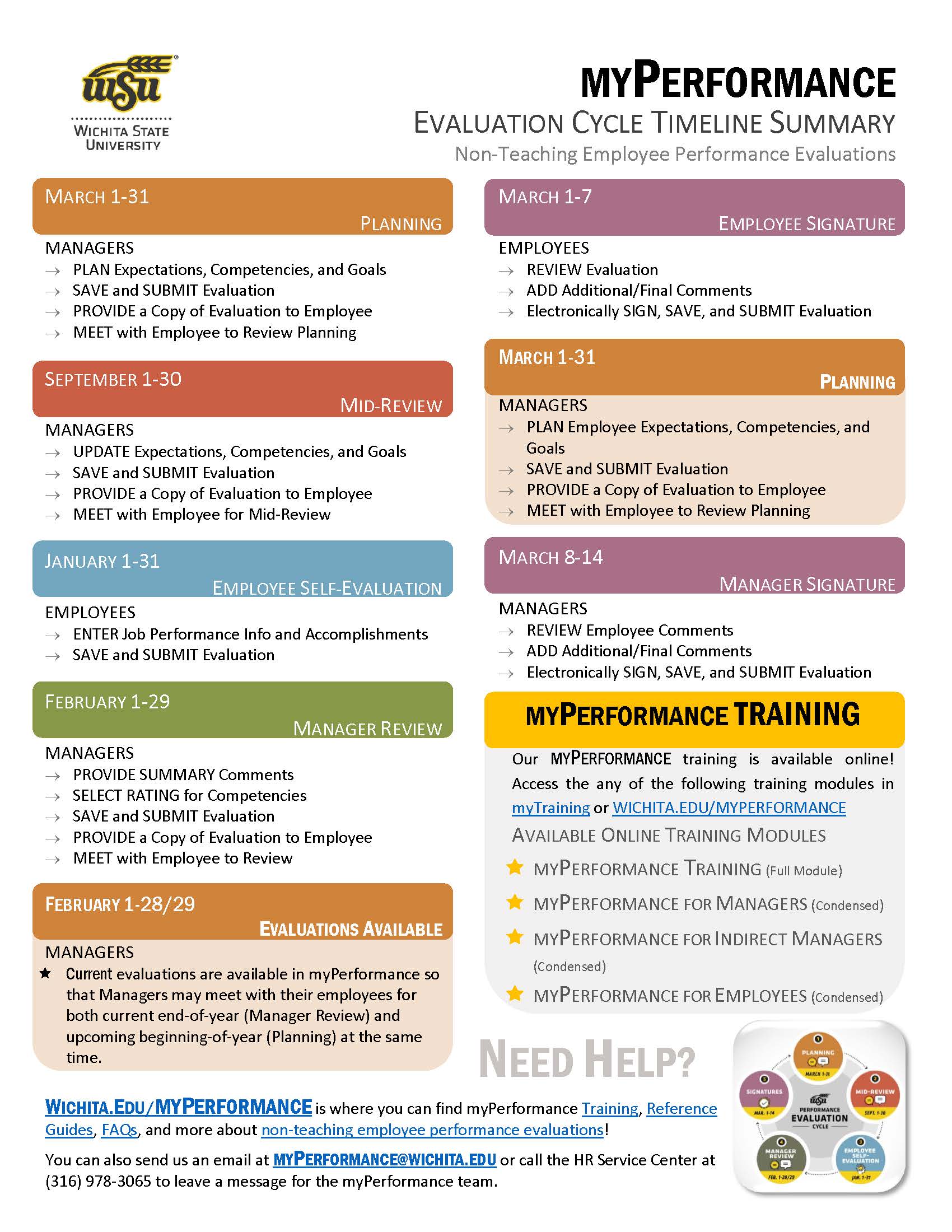
Information about the myPerformance evaluation timeline, online training, and help can be found on this flyer. Click on the button below to get your copy!
Manager Signature
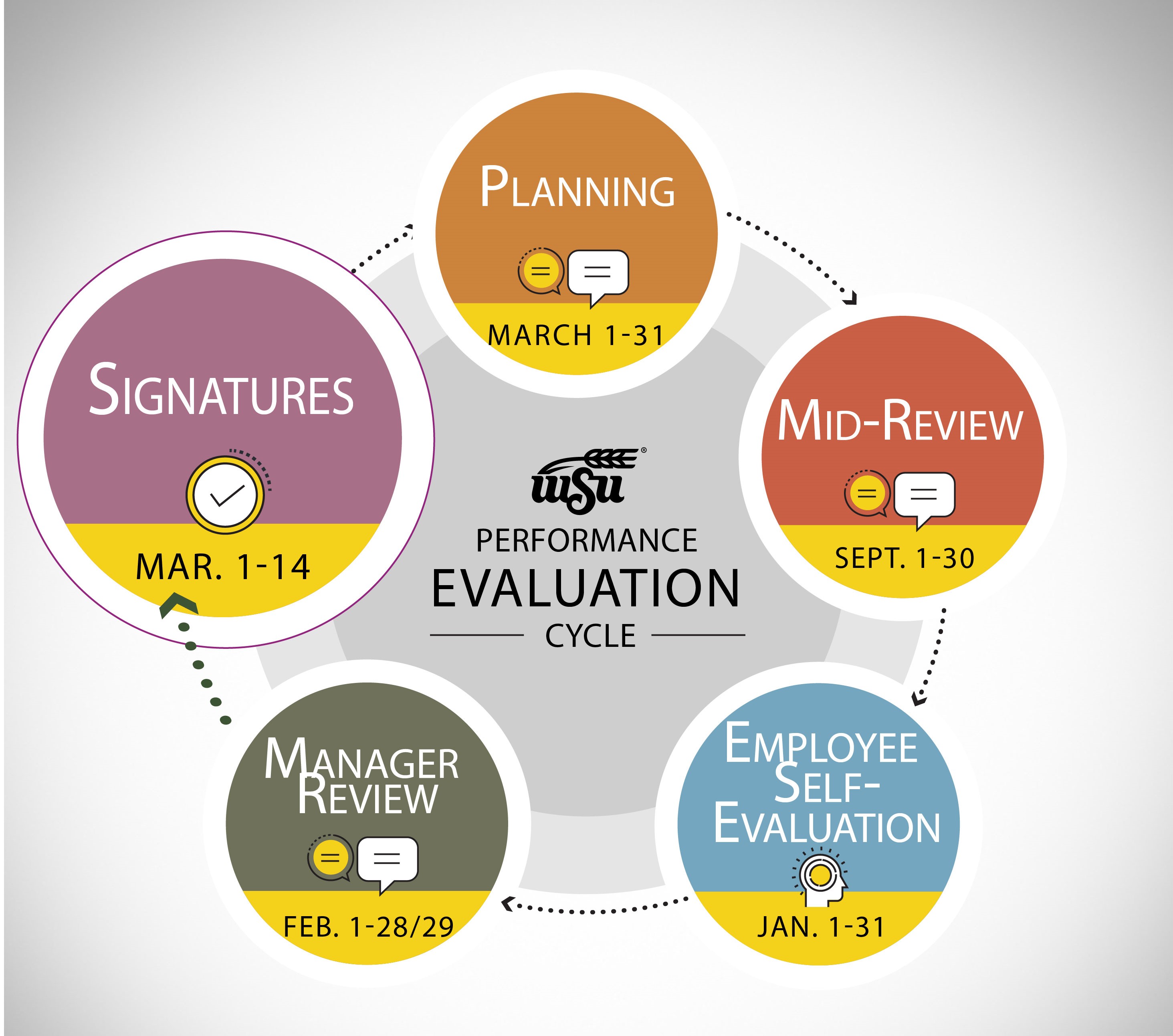
March 8-14
2026-2027 myPerformance Evaluations
Managers of Non-Teaching Employees have access to their Employee's annual evaluations in myPerformance for Manager Signature beginning March 8, 2027 provided that their Direct Report has submitted their Employee Signature in myPerformance.
Managers should log into myPerformance to electronically sign and submit their 2026-2027 evaluations by March 14, 2027 at 11:59 PM.
Managers will need to ensure that they progress through each page of the evaluation and select both the Save then Submit button on the Summary Page in order for the evaluation to push to Complete.
2026-2027 myPerformance
Manager Signature is Due
March 14, 2027 at 11:59 PM
NOTE: Managers now have access to 2027-2027 evaluations in myPerformance so that they may complete beginning of year (Planning) due on March 31, 2027.
Select a link below to jump to section:
Manager Reference and Training Guides
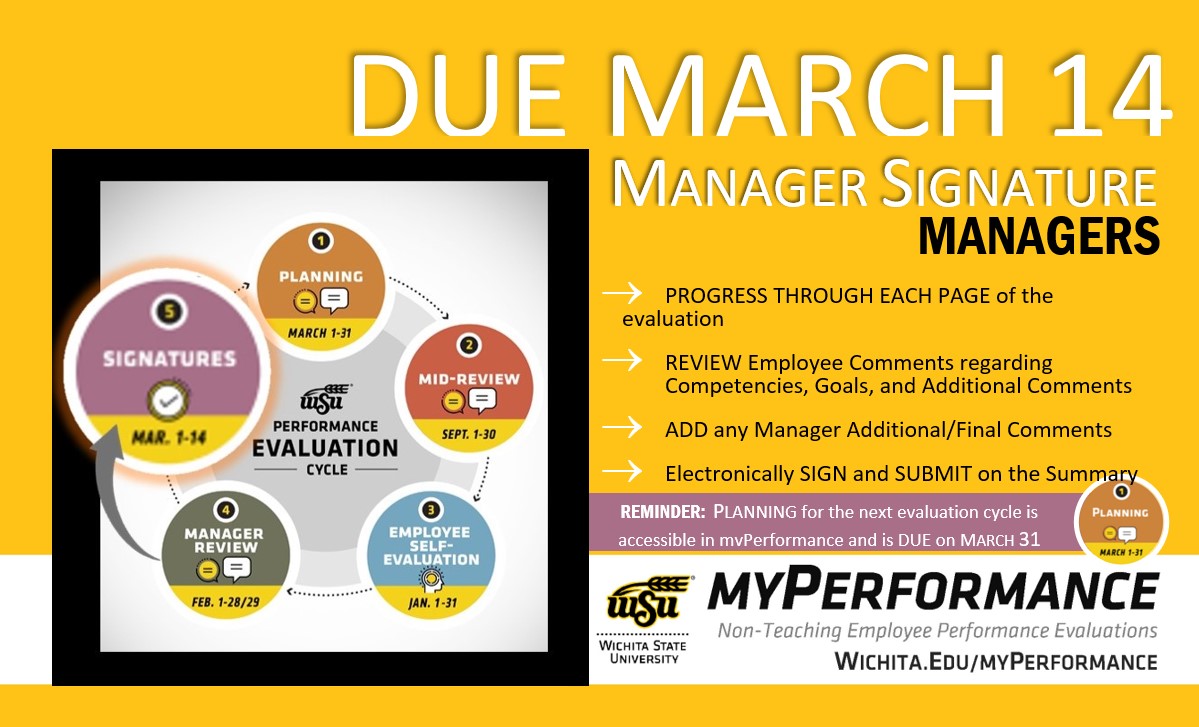
Evaluation Cycle Timeline Summary
Helpful Hints
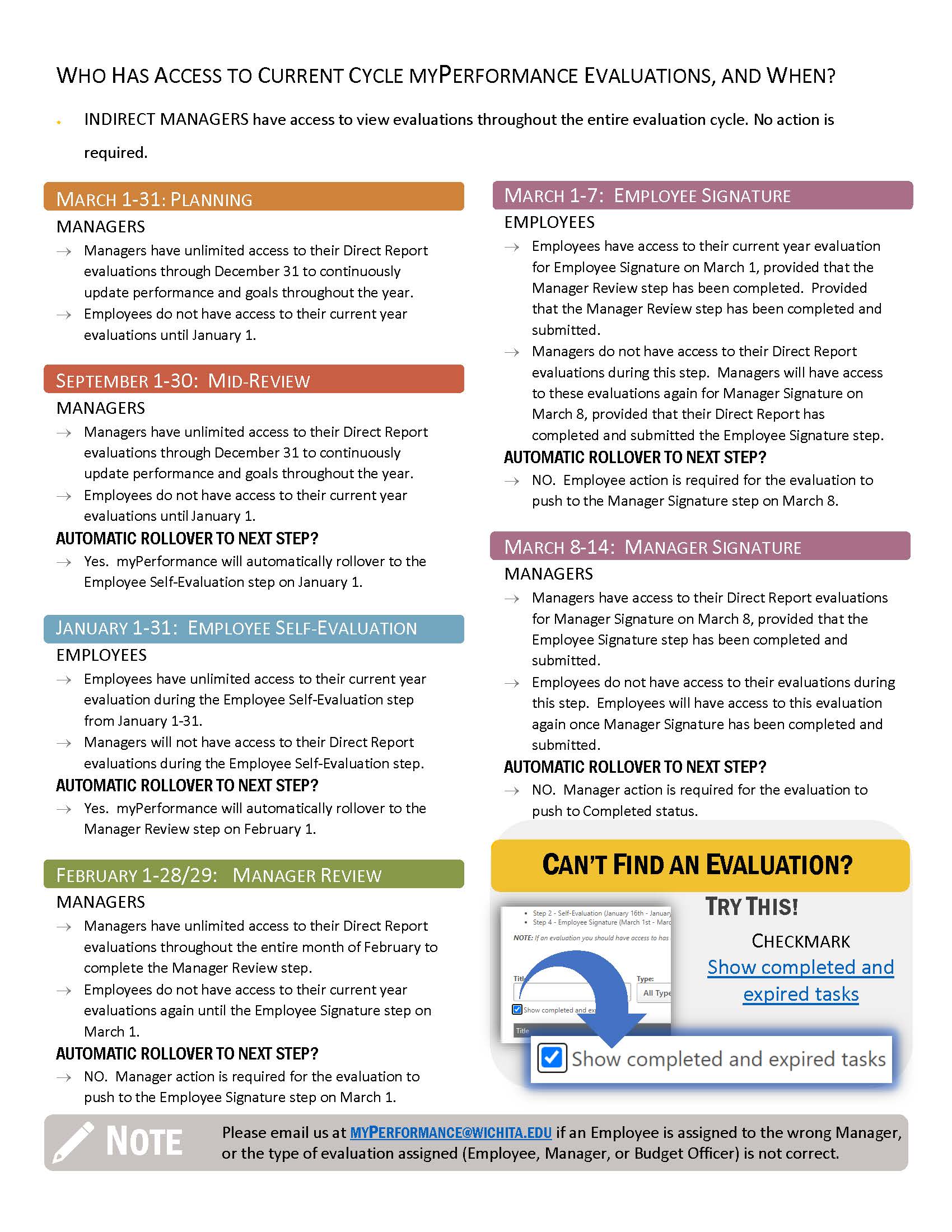
Can't find an evaluation on your Scheduled Tasks screen? Make sure to checkmark the small box that says, “Show completed and expired tasks”, then Search.
Want to save a copy or print an evaluation? Here's instructions on how to Print/Save to PDF!
Manager Instructions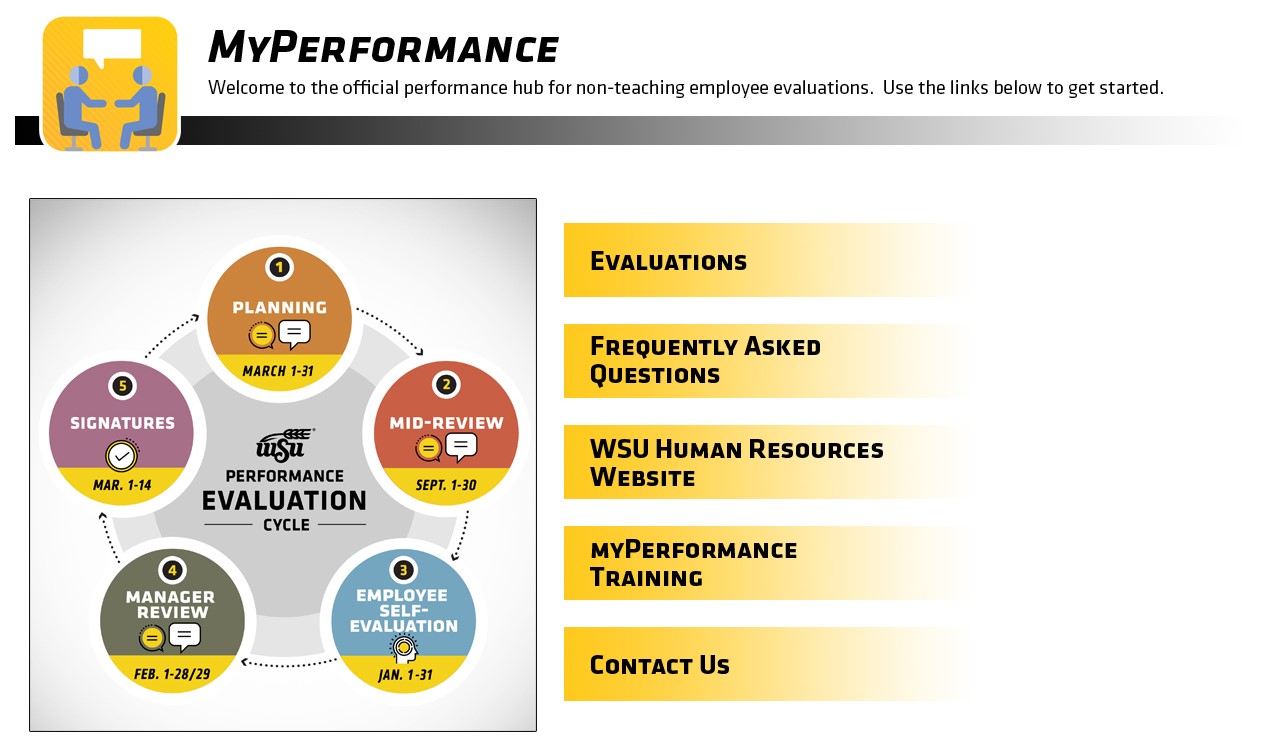
- Access myPerformance:
- Log into myPerformance
- While in the Faculty/Staff tab
- Scroll down to the Employee Review channel
- Click on the myPerformance link
- Select Evaluations
- Click on Complete 2026-2027 Manager Review of...
- Progress through each page of the evaluation.
- Review any Additiona Employee Comments submitted during the Employee Signature step.
- Provide Additional Comments, if desired.
- Electronically Sign the Evaluation
- Your signature is an acknowledgement that the information contained within the review has been shared and discussed as part of an annual performance cycle. Your signature does not imply agreement, but is an acknowledgment that you have seen the information and have had the opportunity to provide input through the self-evaluation process.
- Finalize your Signature by selecting Save then Submit on the Summary Page.
- Save or Print a copy of the evaluation, if desired.
Manager Training and Reference Guides
Select the link below to access the Quick Reference Guide
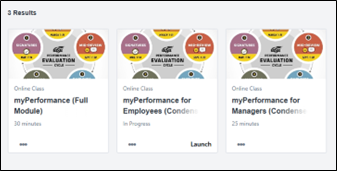
Go to myTraining to access the full myPerformance training module or the one specific for managers by searching:
- myPerformance (Full Module)
- myPerformance for Managers (Condensed Module)
Additional Information
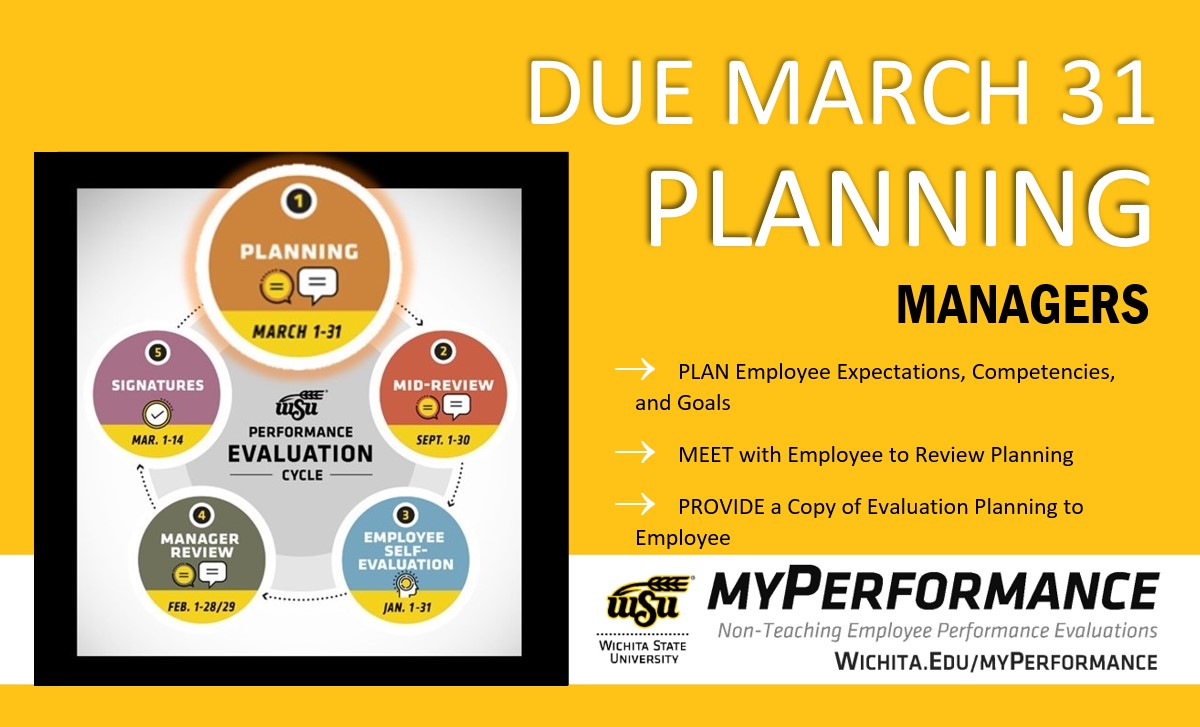
Managers now have access to 2027-2028 evaluations in myPerformance so that they may complete beginning of year (Planning) due on March 31, 2027.
Select Submit on the Summary Page after saving every time you update a myPerformance evaluation! You will still have access to your evaluation throughout February even if you SUBMIT. (Just checkmark the small box that says, “Show completed and expired tasks”!)
Evaluation Cycle Timeline Summary
Click on an image below to view PDF
SME: SP/SRAP
Updated: 02/10/2026 NH