


Wichita State University
myPerformance atWICHITA STATE UNIVERSITY:
myPerformance Evaluation Timeline Summary
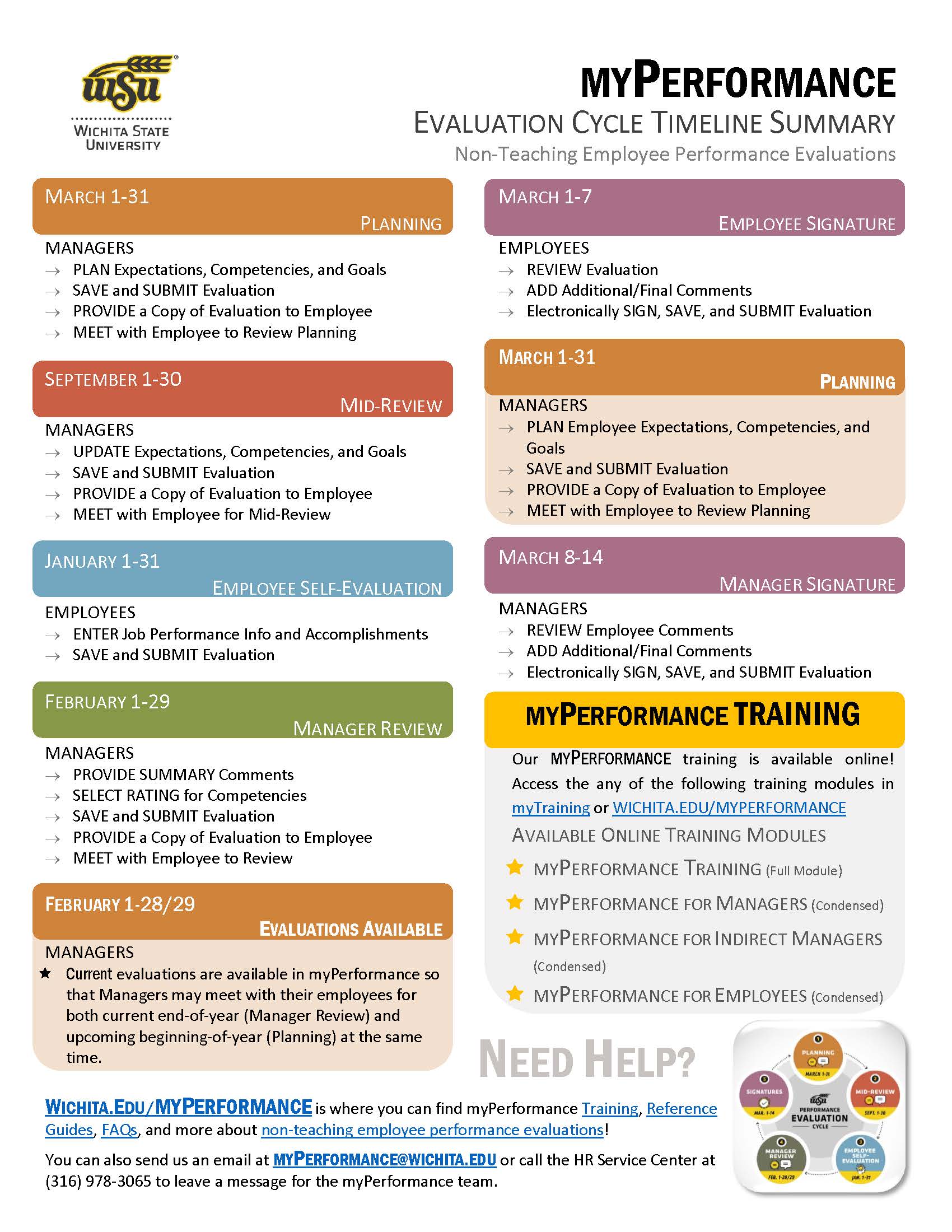
Information about the myPerformance evaluation timeline, online training, and help can be found on this flyer. Click on the button below to get your copy!
Annual Performance Review Process 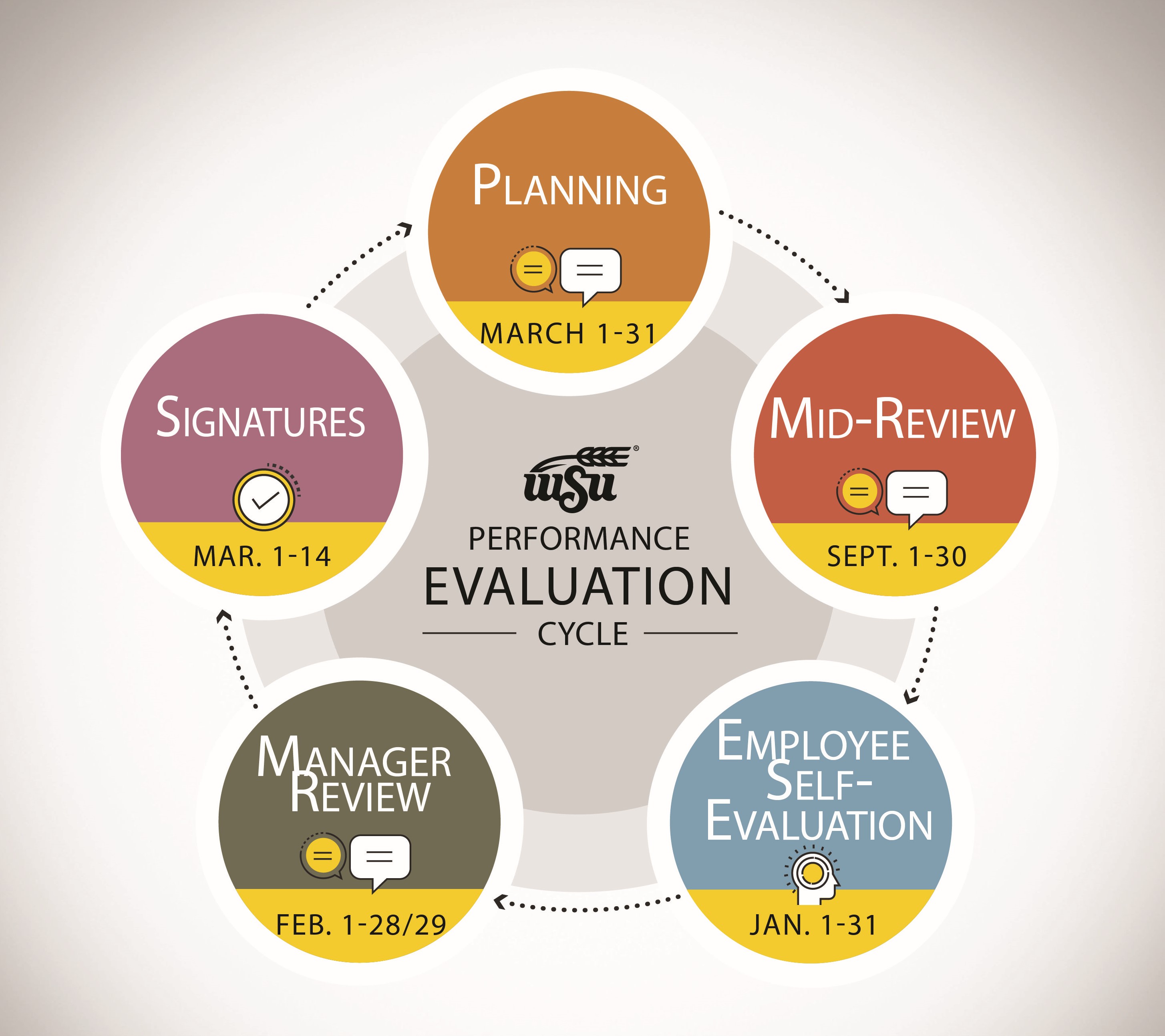
The annual performance review process is separated into five steps. Managers and their employees will be able to access myPerformance and view the evaluation at separate steps throughout their review period.
Summary: Steps & Review Periods
The steps of the annual performance evaluation process are as follows:
Employees should discuss concerns about a performance evaluation with the Leader in an effort to resolve the issue. If the matter cannot be resolved with the Leader, the concern should be discussed with Leaders in the Reporting Relationship. It is the goal of the University to promptly and mutually resolve all Employee concerns within the department. Employees may consult with Human Resources to obtain guidance on resolving the situation with the Leader.
Details: Steps & Review Periods
Select a link below for more information.
| Who | Step | Occurs | |
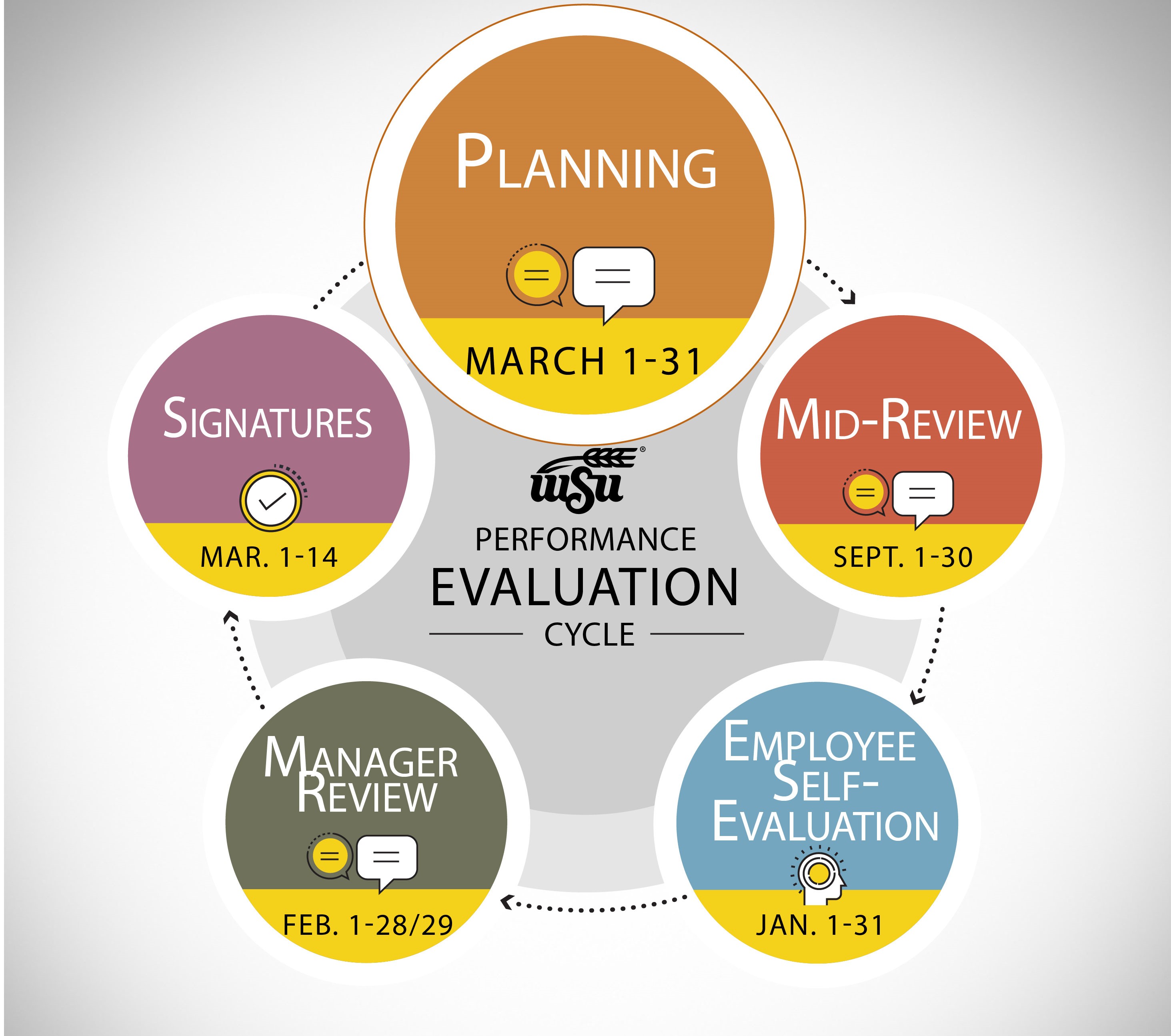 |
Managers | Planning | March 1-31 |
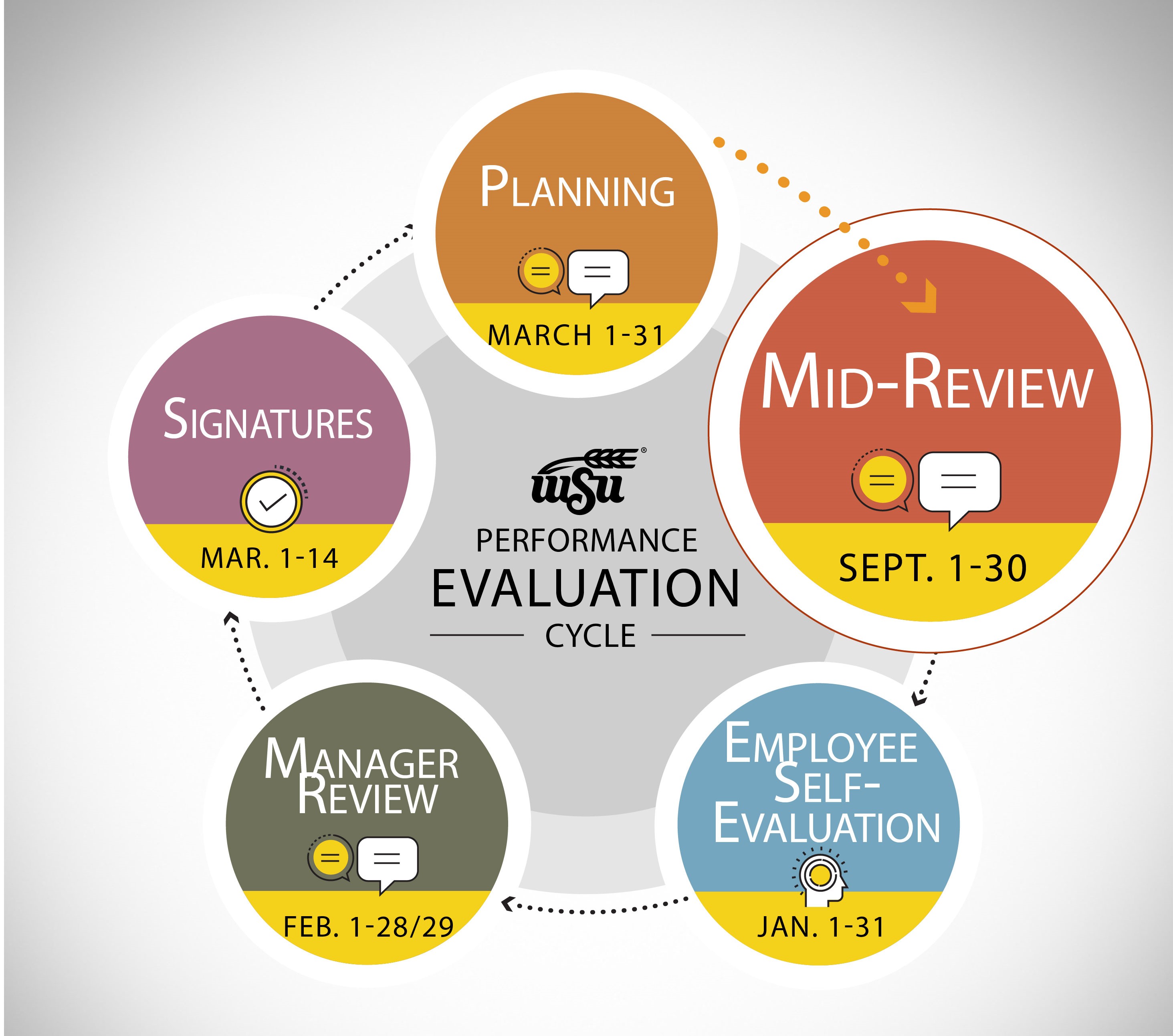 |
Managers | Mid-Review | September 1-30 |
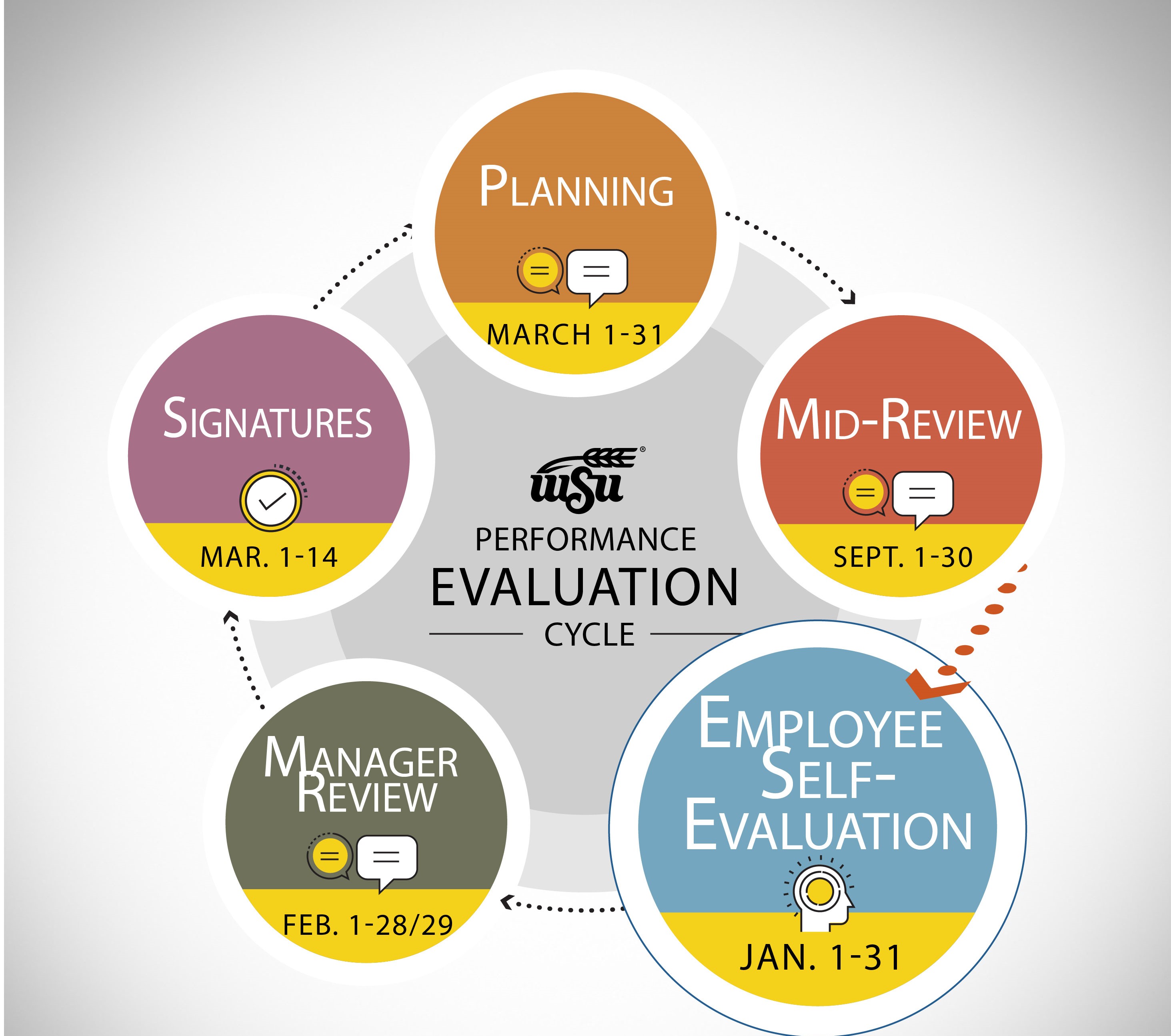 |
Employees | Employee Self-Evaluation | January 1-31 |
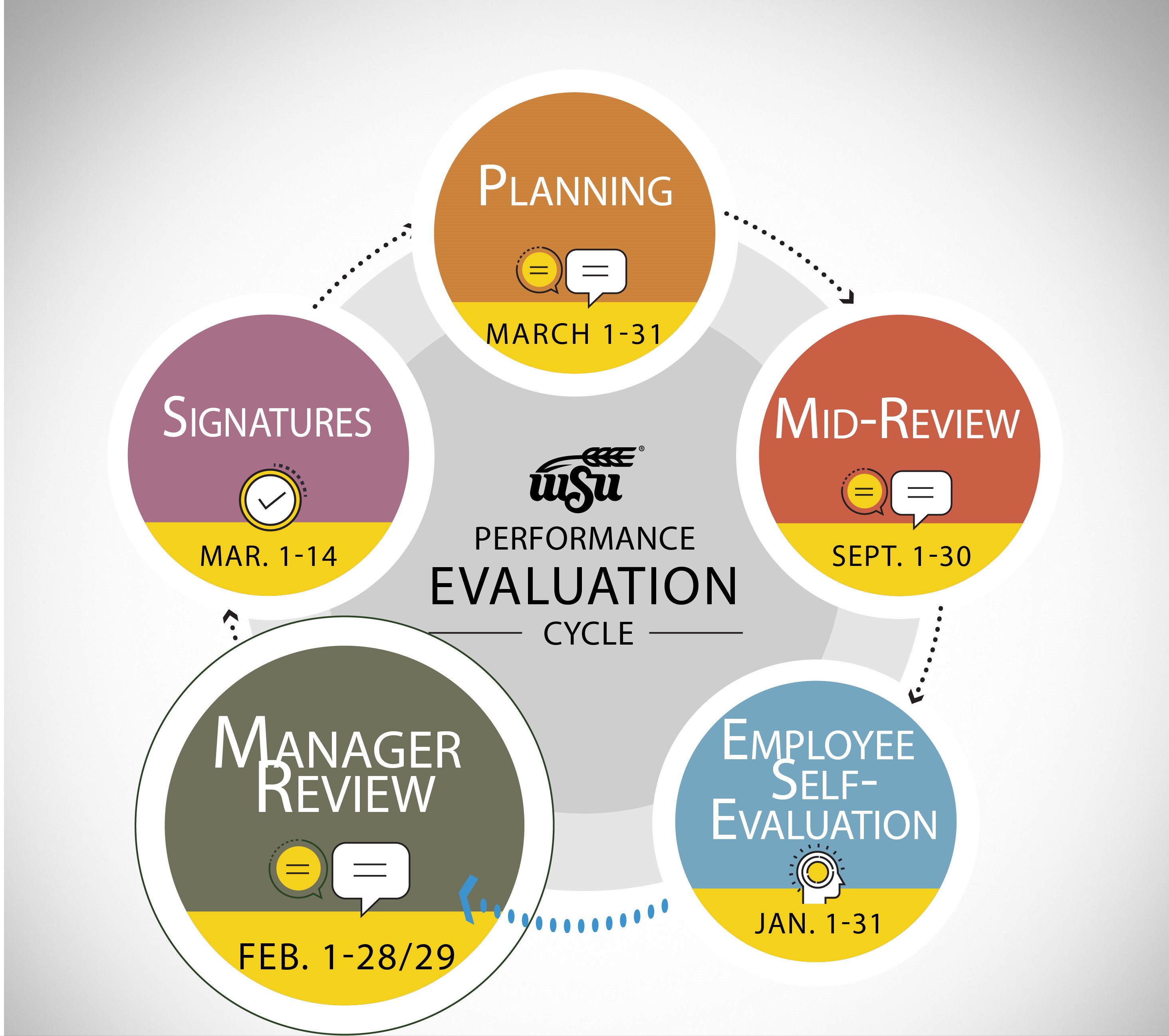 |
Managers | Manager Review | February 1-28/29 |
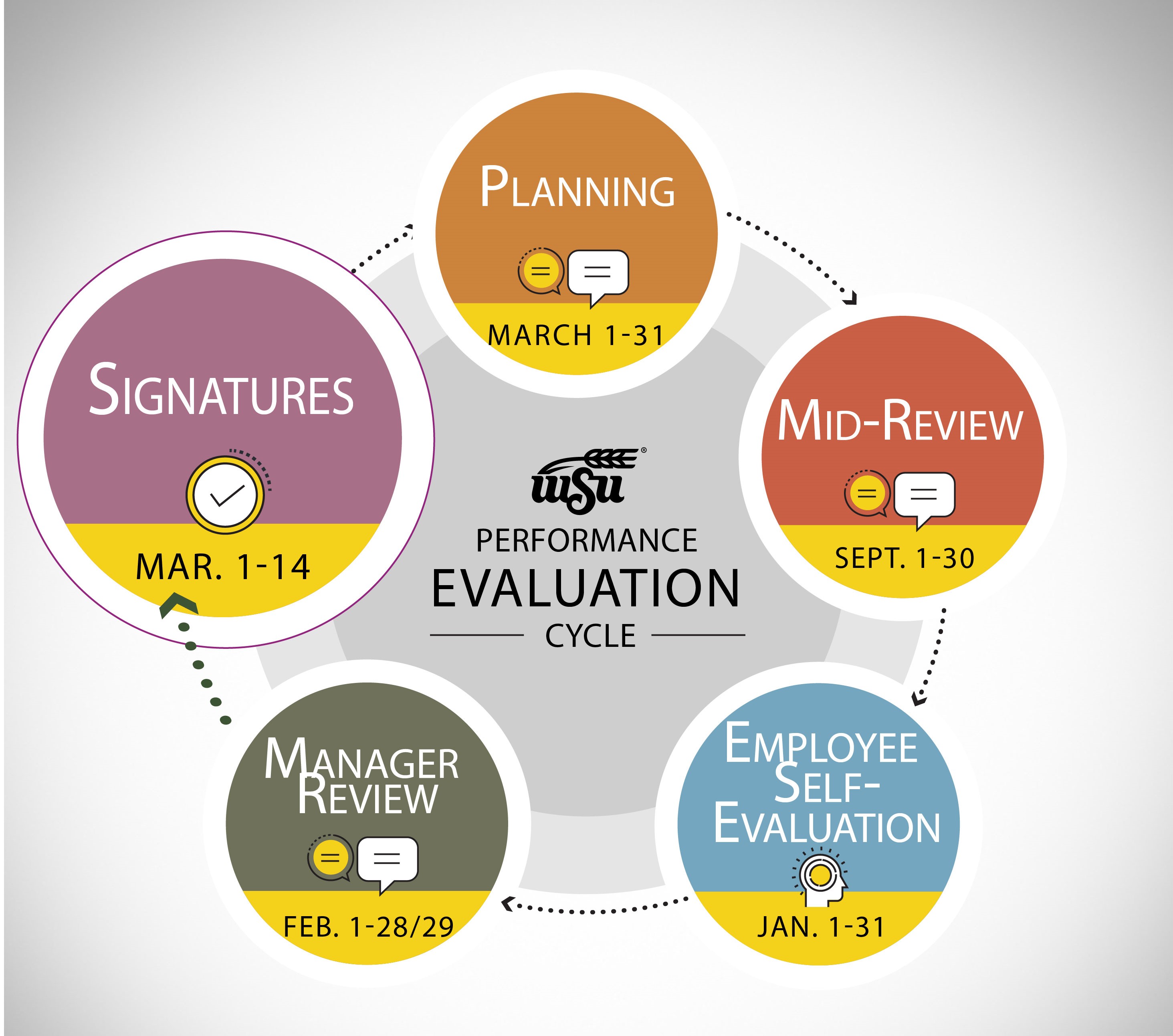 |
Employees | Employee Signature | March 1-7 |
|
Managers | Manager Signature | March 8-14 |
SME: SP/SRAP
Updated: 04/03/2024 NH