


Wichita State University
myPerformance atWICHITA STATE UNIVERSITY:
myPerformance Evaluation Timeline Summary
Information about the myPerformance evaluation timeline, online training, and help can be found on this flyer. Click on the button below to get your copy!
Employee Self-Evaluation
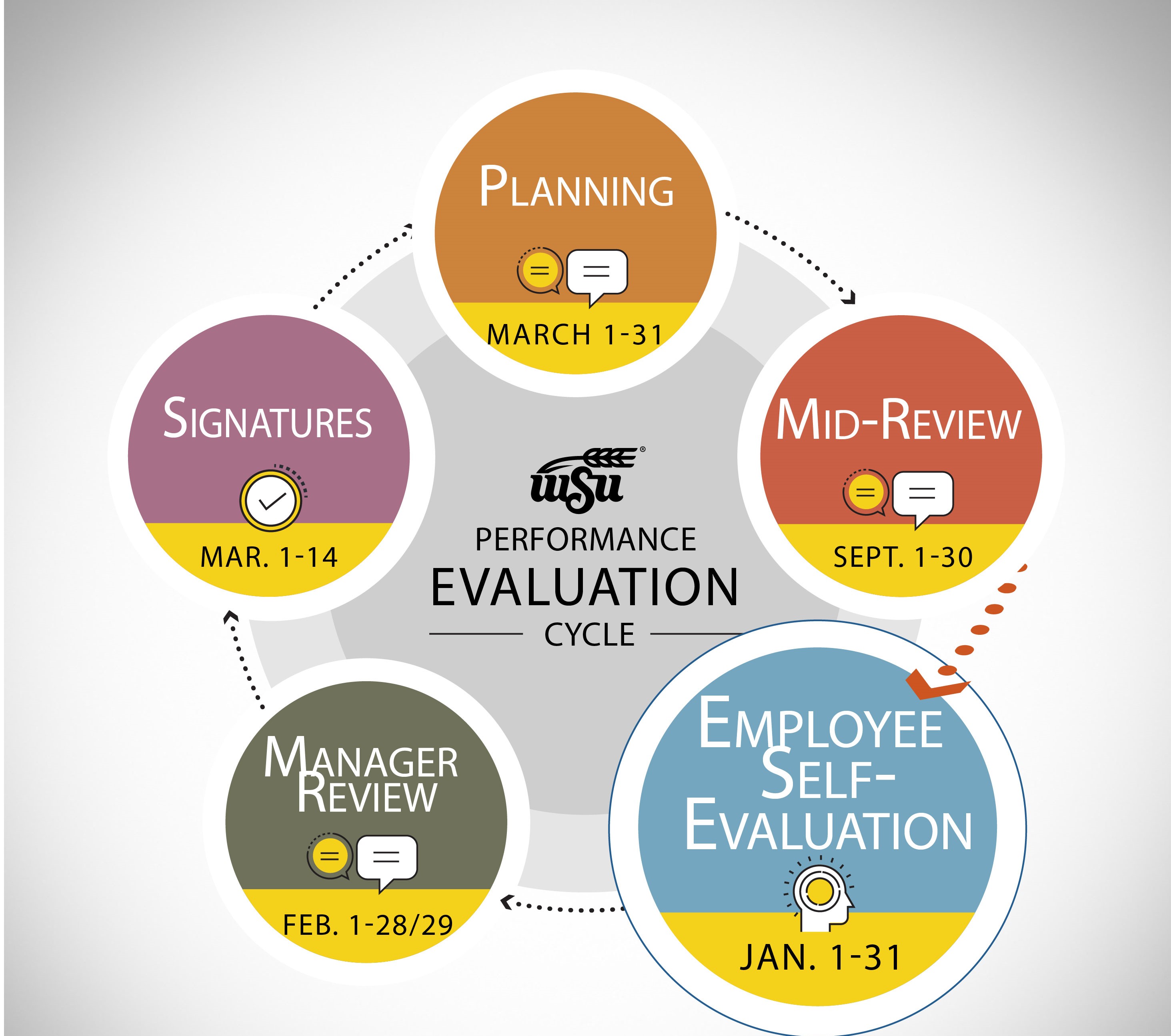
January 1-31
2026-2027 myPerformance Evaluations
Non-Teaching Employees have access to their annual evaluation in myPerformance for Employee Self-Evaluation beginning January 1, 2026.
This opportunity allows employees to provide input on job performance and accomplishments since the beginning of the current review period (March 1, 2026 - February 28, 2027).
myPerformance will automatically rollover to the next step of the evaluation cycle, Manager Review, on February 1, 2026 and Employees will not have access to their 2026-2027 evaluation again until the Employee Signature step that begins on March 1 (provided that a Manager Review has been submitted).
2026-2027 myPerformance Employee Self-Evaluations are Due January 31, 2027 at 11:59 PM
Select a link below to jump to section:
Employee Reference and Training Guides
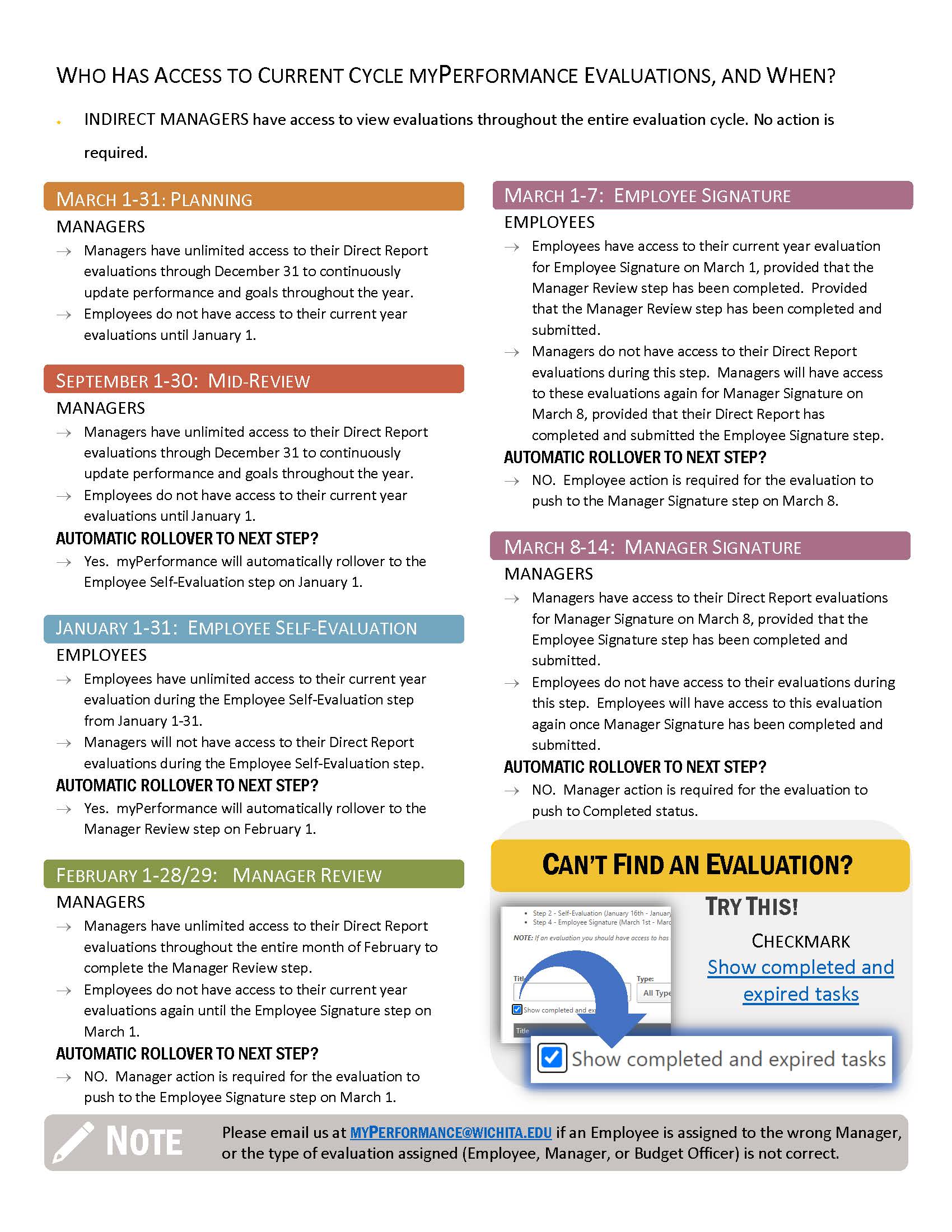
Evaluation Cycle Timeline Summary
Helpful Hints
You have access to your past performance evaluations in myPerformance! If you would like to reference your past performance evaluation, checkmark the small box that says, “Show completed and expired tasks”, then Search.
Want to save a copy of an evaluation? Here's instructions on how to Print/Save to PDF!
Employee Instructions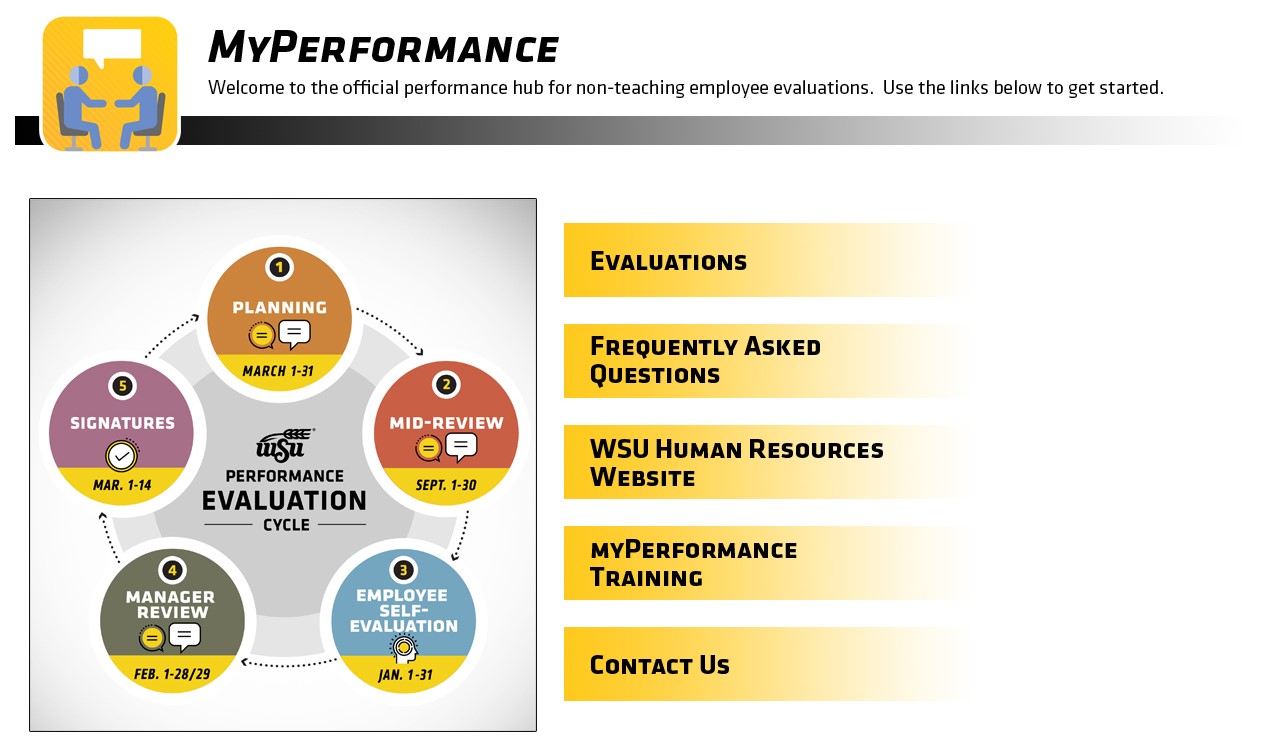
- Access myPerformance:
- Logging into myPlanning
- While in the Faculty/Staff tab
- Scroll down to the Employee Review channel
- Click on the myPerformance link
- Select Evaluations
- Click on Complete 2026-2027 Self-Review
- Review Manager comments concerning competencies and goals for the current review period (March 1, 2026 - February 28, 2027).
- Provide input and enter comments about your job performance and accomplishments for the current review period (March 1, 2026 - February 28, 2027).
- Save and Submit your Self-Review.
- It is important that you click on Submit on the Summary Page in order for you to complete this step of the evaluation.
Employee Training and Reference Guides
Select the link below to access the Quick Reference Guide
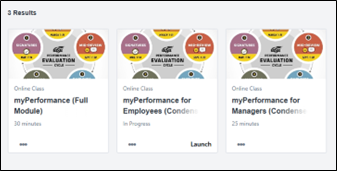
Go to myTraining to access the full myPerformance training module or the one specific for employees by searching:
- myPerformance (Full Module)
- myPerformance for Employees (Condensed Module)
Additional Information
Employees have unlimited access in myPerformance from January 1-31 to update and edit content in their self-review until automatic rollover to their Manager for the Manager Review on February 1.
- If you have already accessed your evaluation, or can't find it on your Scheduled Tasks page, checkmark the small box that says, "Show completed and expired tasks" to access your evaluation again. Remember to Save and Submit on the Summary Page for any new content you enter.
Select Submit on the Summary Page after saving every time you update a myPerformance evaluation! You will still have access to your evaluation throughout the remainder of January even if you SUBMIT. (Just checkmark the small box that says, “Show completed and expired tasks”!)
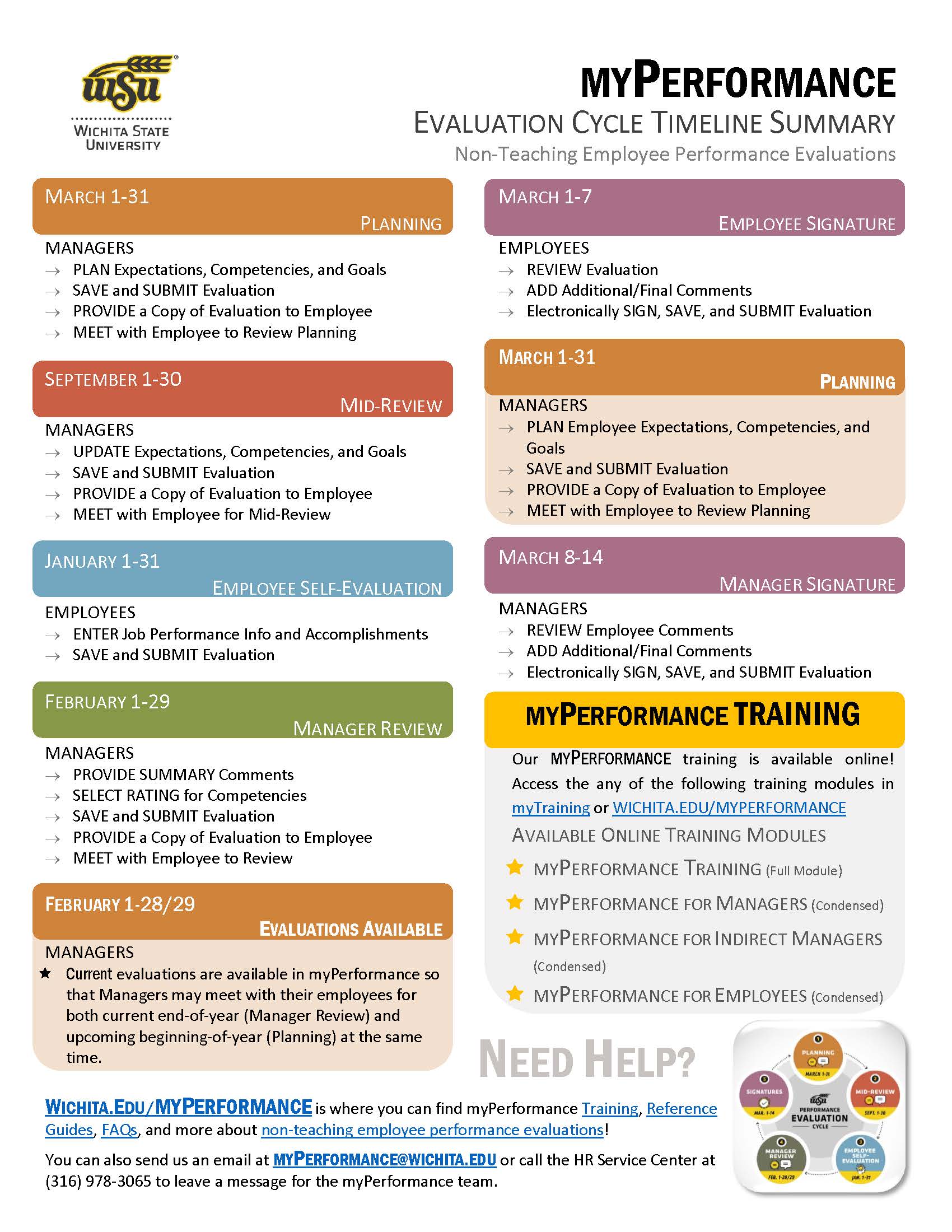
Evaluation Cycle Timeline Summary
Click on an image below to view PDF
SME: SP/SRAP
Updated: 02/10/2026 NH