Wichita State University
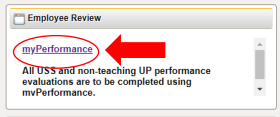
1. Login to myPerformance (within myWSU)
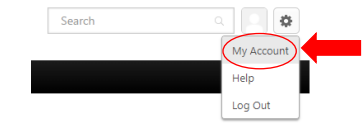
2. Select the “gear” icon on the top/right side of the screen

3. Select “My Account”
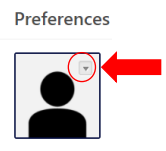
4. Hover over the silhouette to find the hidden drop-down arrow
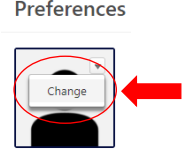
5. Select “Change”
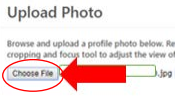
6. Upload an image by clicking the “Choose File” button
7. Select “Upload”

8. Select “Save”