Wichita State University
Financial Aid Dashboard: Your Key to Staying on Track
As a Wichita State Shocker, staying informed about your financial aid is an essential part of being a successful student—and the Financial Aid Dashboard is your go-to tool for doing exactly that. Located in the Finance tab of your myWSU portal, the dashboard brings all of your financial aid information together in one convenient, easy-to-navigate place.
Successful Shockers don’t leave their finances to chance—they check the dashboard regularly. Why? Because important updates, deadlines, and notifications can directly impact
your ability to receive and keep your financial aid. By logging in often, you can
catch missing requirements early, respond to time-sensitive requests, and make informed
decisions about your aid offer before deadlines pass.
Step-by-Step Guide
Check out our step-by-step instructions on how to navigate through the myFinances tab of your myWSU student account and view your financial aid information in the Financial Aid Dashboard.
- Overview of Finance Tab
- How to access Finance Tab and the Financial Aid Dashboard
- Overview of the Financial Aid Dashboard
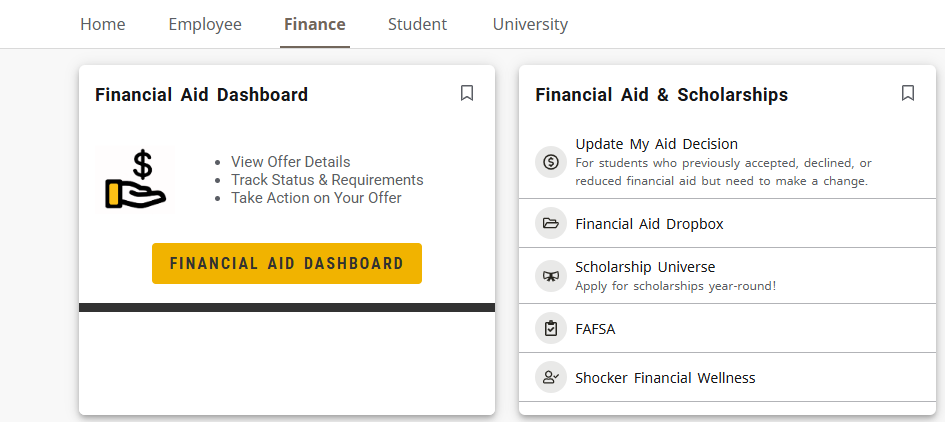
The Finance tab of the myWSU student portal provides you with important financial aid links and announcements, including access to the following:
- Financial Aid Dashboard (check the status of your financial aid and accept/decline your aid offer)
- Financial Aid Update My Aid Decision (modify a decision on your accepted/declined financial aid)
- Student Drop Box (securely submit documents to the Financial Aid Office)
- Apply for Summer Financial Aid (available from April to July)
- Student Experience Survey (tell us about your financial aid experience)
- Financial Aid Announcements and Deadlines
How to access Finance Tab and the Financial Aid Dashboard
- Log into your student portal at mywsu.wichita.edu using your myWSU ID and password.
- Navigate to the myFinances tab and find the section, "Financial Aid Links."
- Select "Financial Aid Dashboard" to check your financial aid status and review your aid offer.
For more information about your Financial Aid Dashboard, visit https://www.youtube.com/watch


Home
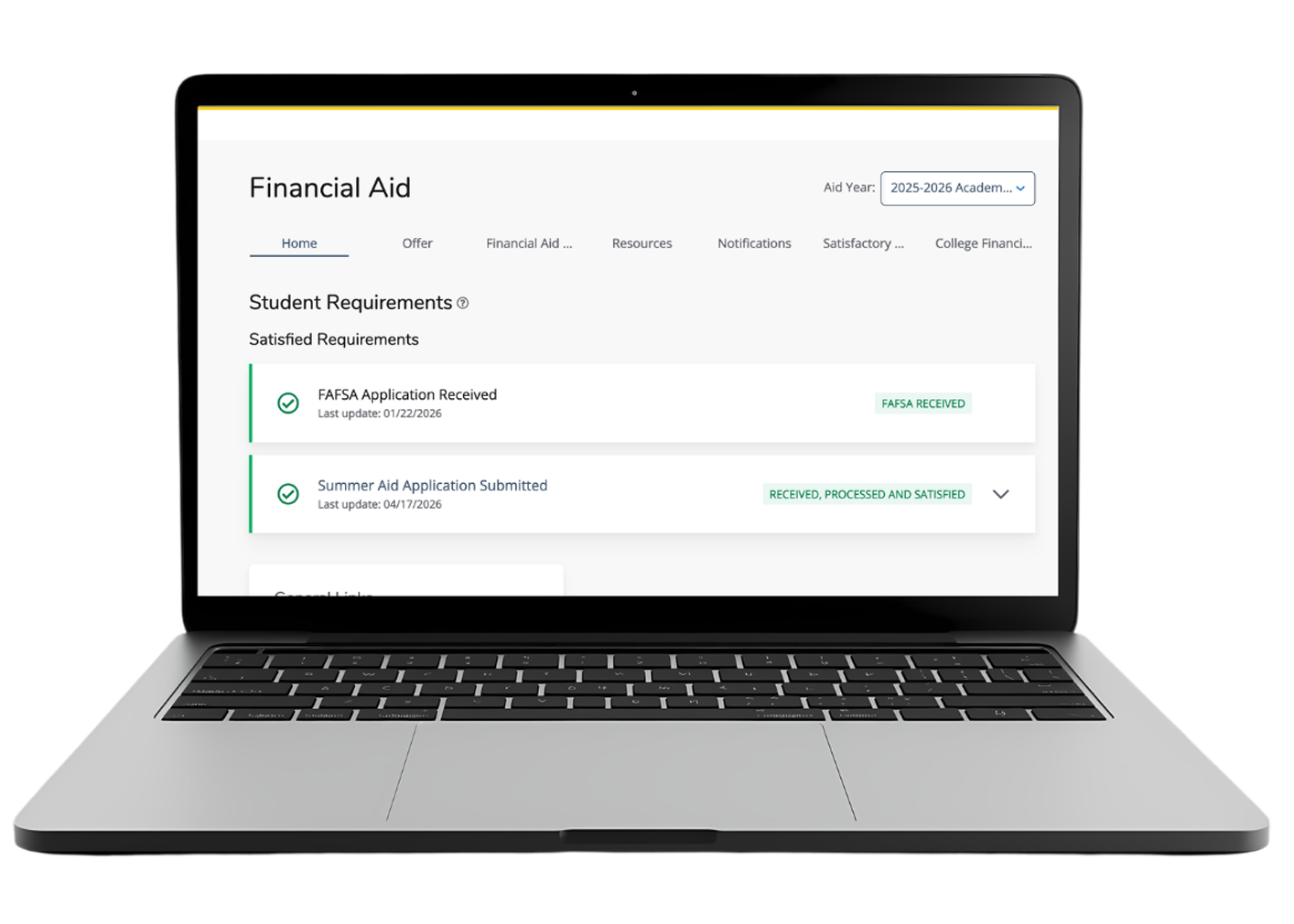
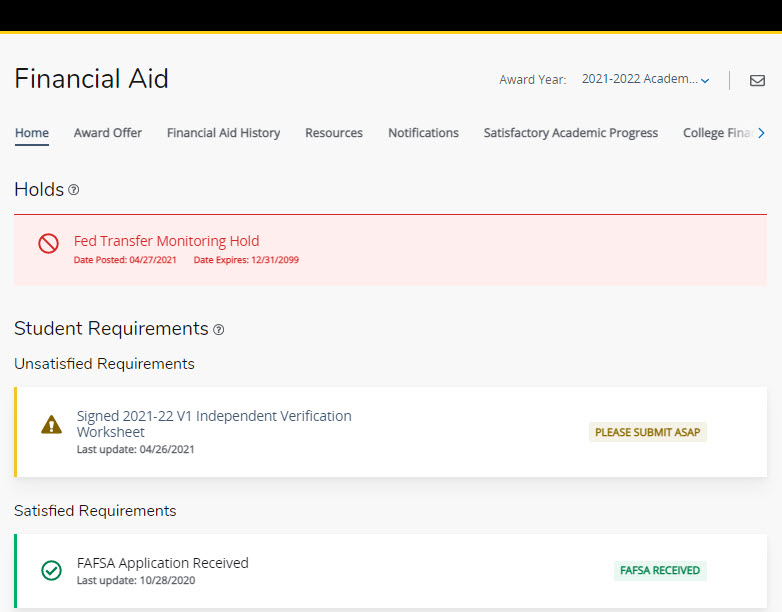
The Home tab displays any financial aid holds and the status of any satisfied and unsatisfied student requirements. A hold (shown with the red sign) may prevent/delay the disbursement of your financial aid, and student requirements often must be satisfied before your financial aid can be finalized. If you have any unsatisfied requirements (shown with the yellow warning sign), be sure to expand the section for more information or click on the item to access the necessary form or webpage. Satisfied requirements (shown with the green check mark) identify requirements that have been fully reviewed.
Offer
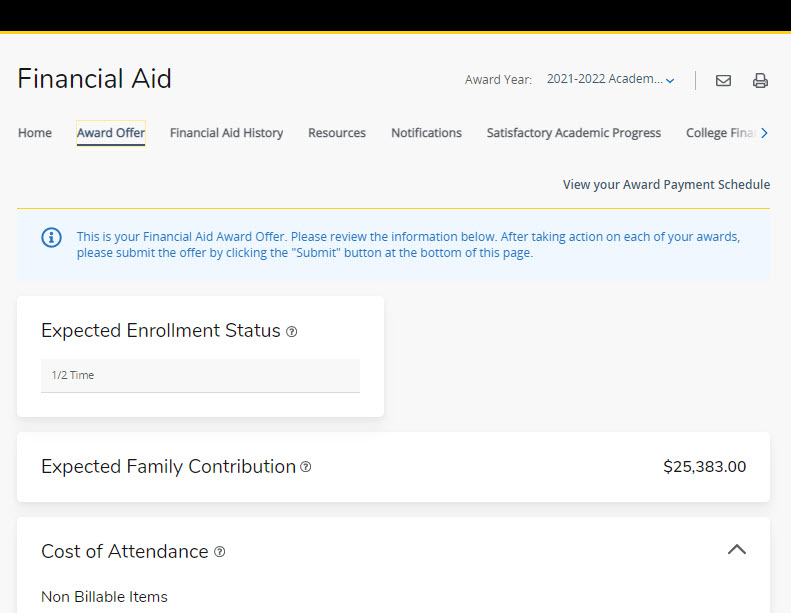
The Offer tab contains information about your financial aid and scholarships, including an estimate of your cost of attendance, your estimated family contribution (as determined by your FAFSA), and any outside/external resources and university tuition discounts. Note: The cost of attendance and tuition discount figures are estimates for the purpose of helping you plan for your expenses. Beginning in July each academic year, you may view your specific tuition and fees bill within the Student Account Suite on the Finance tab of your myWSU student portal.
To accept or decline each type of financial aid, use the drop-down box next the financial aid fund (such as the Federal Direct Unsubsidized Loan) to Accept, Decline, or Modify to confirm your decision. Modify allows you to accept a smaller portion of the offered amount. Be sure to scroll to the bottom and click Submit.
Financial Aid History
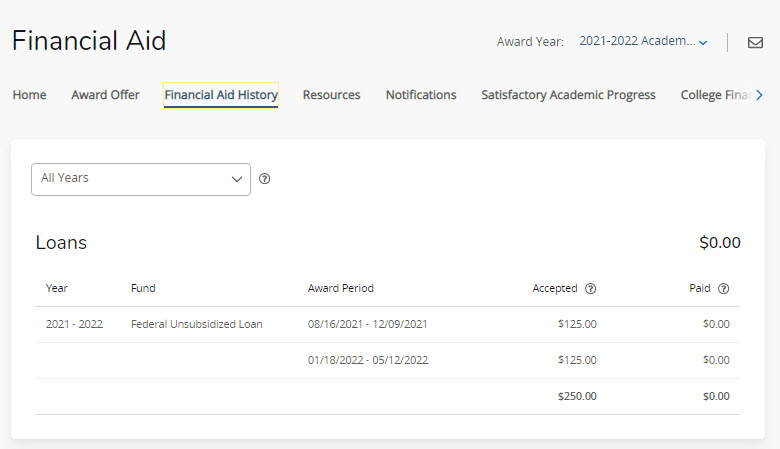
The Financial Aid History tab provides an overview of your student loans and grants used while attending Wichita State. For a comprehensive review of your financial aid history, log into your Federal Student Aid account at studentaid.gov.
Resources
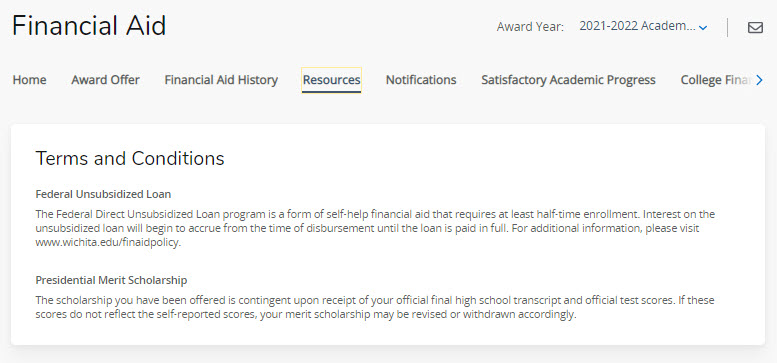
The Resources tab includes a list of fund-specific terms and conditions. For a more comprehensive list of financial aid policies and requirements, click here.
Notifications
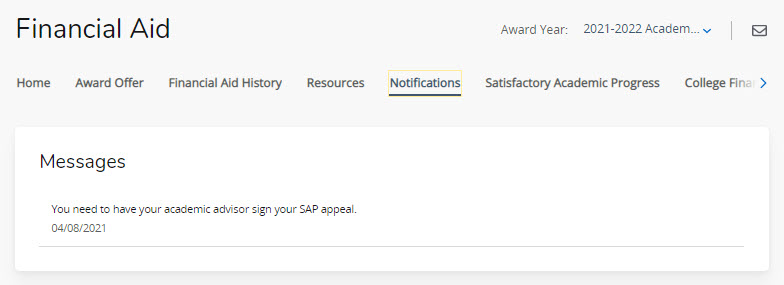
The Notifications tab includes any special messages from the Office of Financial Aid regarding your scholarships or financial aid. We recommend checking your @shockers.wichita.edu email regularly for additional, timely communication from our staff.
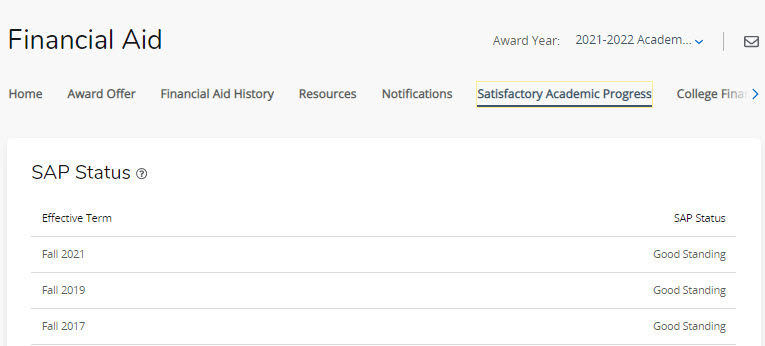
Satisfactory Academic Progress
The Satisfactory Academic Progress tab provides a snapshot of your academic progress as a financial aid recipient. In order to receive (and continue receiving) financial aid, you must meet certain academic requirements that demonstrate you are progressing toward your degree. Additional information about these requirements and how often your progress is reviewed is available here.
College Financing Plan
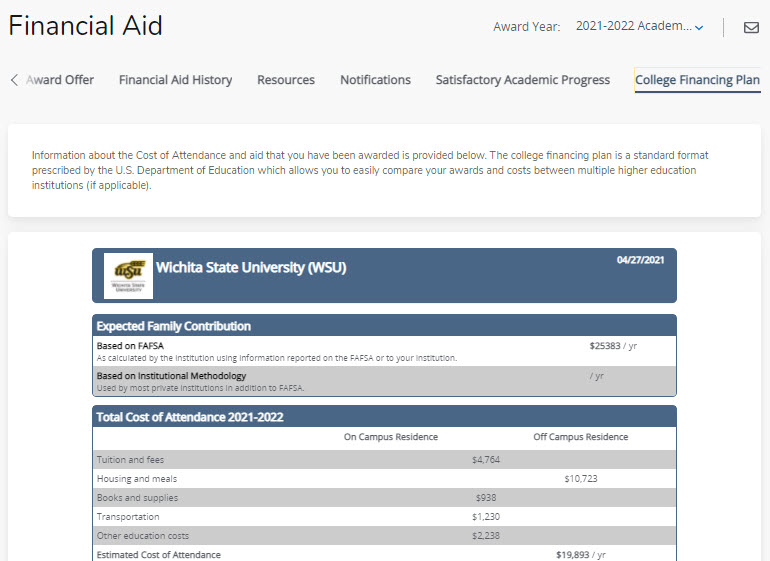
The College Financing Plan tab contains much of the same information as the Award Offer tab, but also includes additional data about Wichita State and information about the types of financial aid.