


Wichita State University
College of Fine Arts Laptop Requirement
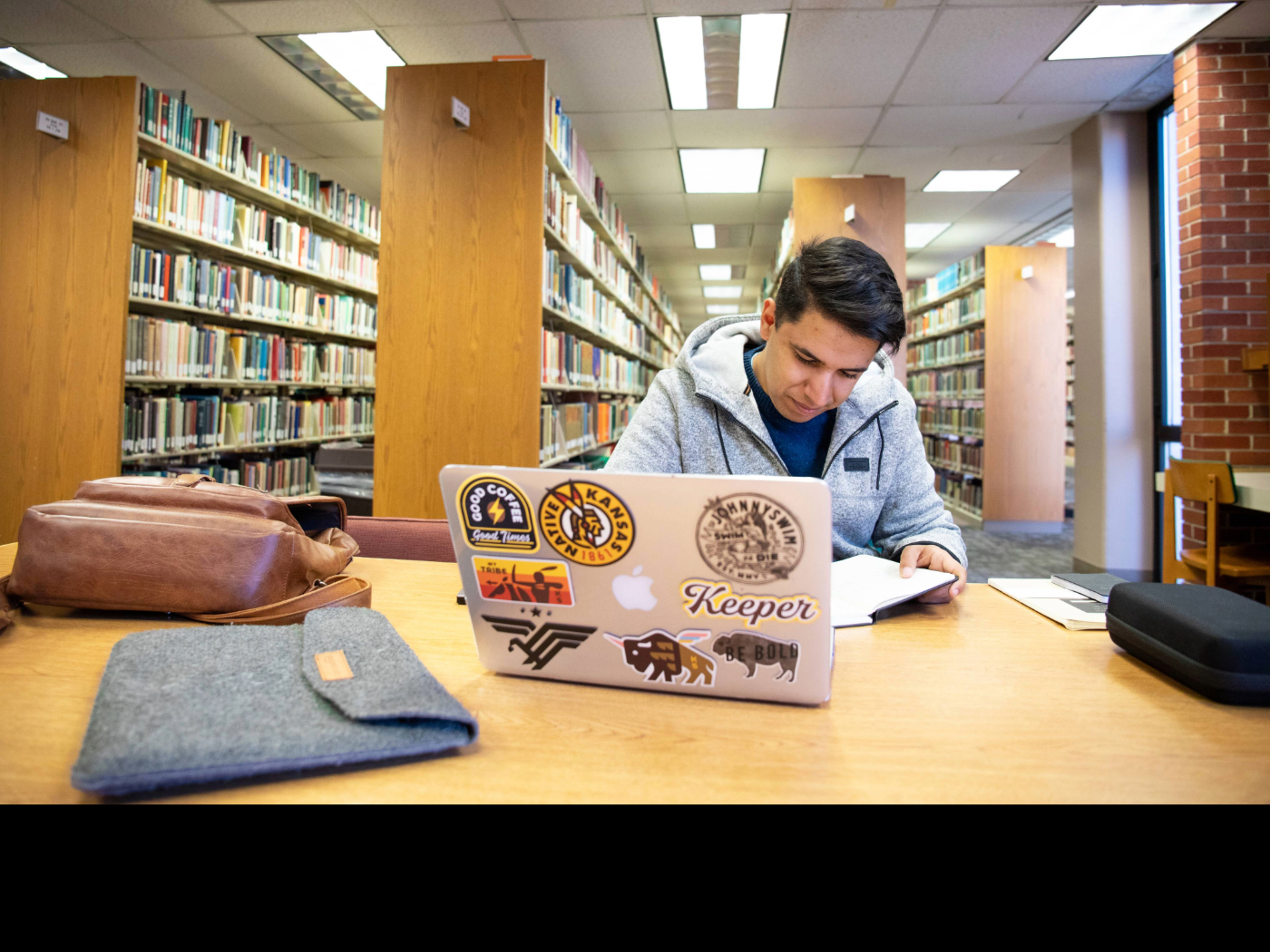
All Fine Arts majors are required to have a personal laptop computer. This requirement
reflects the digital and technical nature of 21st century work in the arts. Students
should plan to bring their laptops to all Fine Arts classes, unless exempted by the
specific instructor of a class. Whatever your major, having a laptop will make you
a more productive student - anywhere can become a creative space, allowing for collaboration
and creativity at a moment’s notice.
We understand that laptops are not cheap. Laptops are, however, a required tool for
your professional future. The good news is that our laptop requirement is an opportunity
for you to get something you need and get help from your financial aid. Since laptops
are required in all Fine Arts programs, the WSU Office of Financial Aid can boost
your financial aid eligibility to buy it.
Frequently Asked Questions
What kind of software & storage will I need?
Some of the software you will need is provided at a discount to WSU students. Visit the Technology Help Desk to get help purchasing and downloading this software with your myWSU ID.
Any new Mac or Windows laptop should run all of the software you will need, but pay particular attention to the processor speed and amount of RAM. Always include as much RAM as you can afford (more is always better). If you choose a laptop with 4GB or less, make sure you can add more RAM later. Adequate internal hard drive space is important to running software, but small, inexpensive external hard drives provide extra storage and backup protection if your laptop is damaged.
Graphics processing and screen size are also worth considering. If you plan on work with high-quality images, video or video game design, make sure your processing power meets Adobe requirements. For screen size, some students prefer a smaller, more portable laptop with an inexpensive external monitor at home.
Questions regarding the capabilities of specific laptops are worth careful Internet research. Look into the professional requirements and preferences of your field as well to make an informed decision.
What about non-majors who take Fine Arts courses?
While non-CFA majors are just as likely to have their own laptop already, we will leave a few computers in classrooms where courses that enroll non-majors are held.
What about printing?
Instructors limit the amount of required printing in courses (it’s a digital world, after all). If you need to print, though, we make a printing service available through the office of each of the four schools.
Who will provide technical support?
If you have questions about purchasing hardware, we will help you, but if you have basic technical support questions, there are many resources outside of the College that you can consult. We recommend Googling the problem first. Then contact the support services for your hardware or software companies. Then, there is the university Help Desk available by phone at 978-HELP.
What specific requirements are there?
The only requirement is that the computer you choose should run the software that you’ll need for class. We love Macs. Whatever you choose, try to include as much RAM (8GB or more is best) and the largest hard drive you can find.
Is there anything else I might need?
You might consider purchasing an external hard drive for backup and long-term storage. There is nothing worse than losing your work due to a laptop failure. Backup your work! In addition, you might want to buy a large (4GB or bigger) flash drive ($10-$20) for sharing files with fellow workgroup members.
There are a great many free online file storage options like Copy,  , , etc. And finally, you may want to purchase an extended warranty for your laptop.
AppleCare, for example, is about $200 but covers the computer for 3 years (long enough
to graduate!).
, , etc. And finally, you may want to purchase an extended warranty for your laptop.
AppleCare, for example, is about $200 but covers the computer for 3 years (long enough
to graduate!).