


Wichita State University
The WSU Events Calendar is one of the primary ways we inform the WSU community and the community at large about public events held or sponsored by Wichita State University and related entities.
How to submit items to the events calendar
As with the previous version of the events calendar, the WSU Events Calendar has a submission form for adding events that are approved by our staff. Here are the steps involved:
- Go to https://www.wichita.edu/calendar
- Click on the “Submit Event” link in the righthand navigation (The link is below the events list in mobile).
- The form is fairly easy to use, but here are a couple of important things to understand
about it.
- Event Details: Be sure to enter both the Event Location with room number and an Event Description in the description field using the format shown.
- Categories: Choose a suggested category or categories to which the event “belongs.”
- Building Location: This feature only provides an indication of what building the event is in. Room information should be placed in the Event Details. If the location for the event is not included in the list, you may enter one – but do not include room information in this space.
- Event Contact: You must provide an event contact email and phone number for information about the event. This may be different than the “Your contact info” section at the top of the form.
Sharing your events
Once your events are on the main calendar, you can use the sharing feature on the event pages to share the event through social media or to copy one of the Outlook or iCal link to include in social media or email invites for the events.
Private feeds
The OU Calendar system has the ability to create calendar items and private feeds that don’t appear on the WSU Main Calendar. This allows users to curate a calendar of events for select audiences and embed that calendar on their wichita.edu websites. You could also opt to simply create event pages to gain access to the sharing feature links, such as "Add this item to your Outlook Calendar."
It's now easy to embed an OU Calendar feed—whether private or public—onto your wichita.edu website using a new OU Calendar Component.
Major Features
Private Feeds
- Admin account access to create and edit calendar items.
- Create multiple feeds that can be embedded on wichita.edu websites via the new Calendar Component.
- Allows for mixture of private and public events in private channels.
- Creates the same event pages as public events, but doesn't link them in the main WSU events calendar.
- Provides sharing information and, soon, building directions and parking information via the WSU Interactive Map
Calendar Component - get your event categories onto a webpage
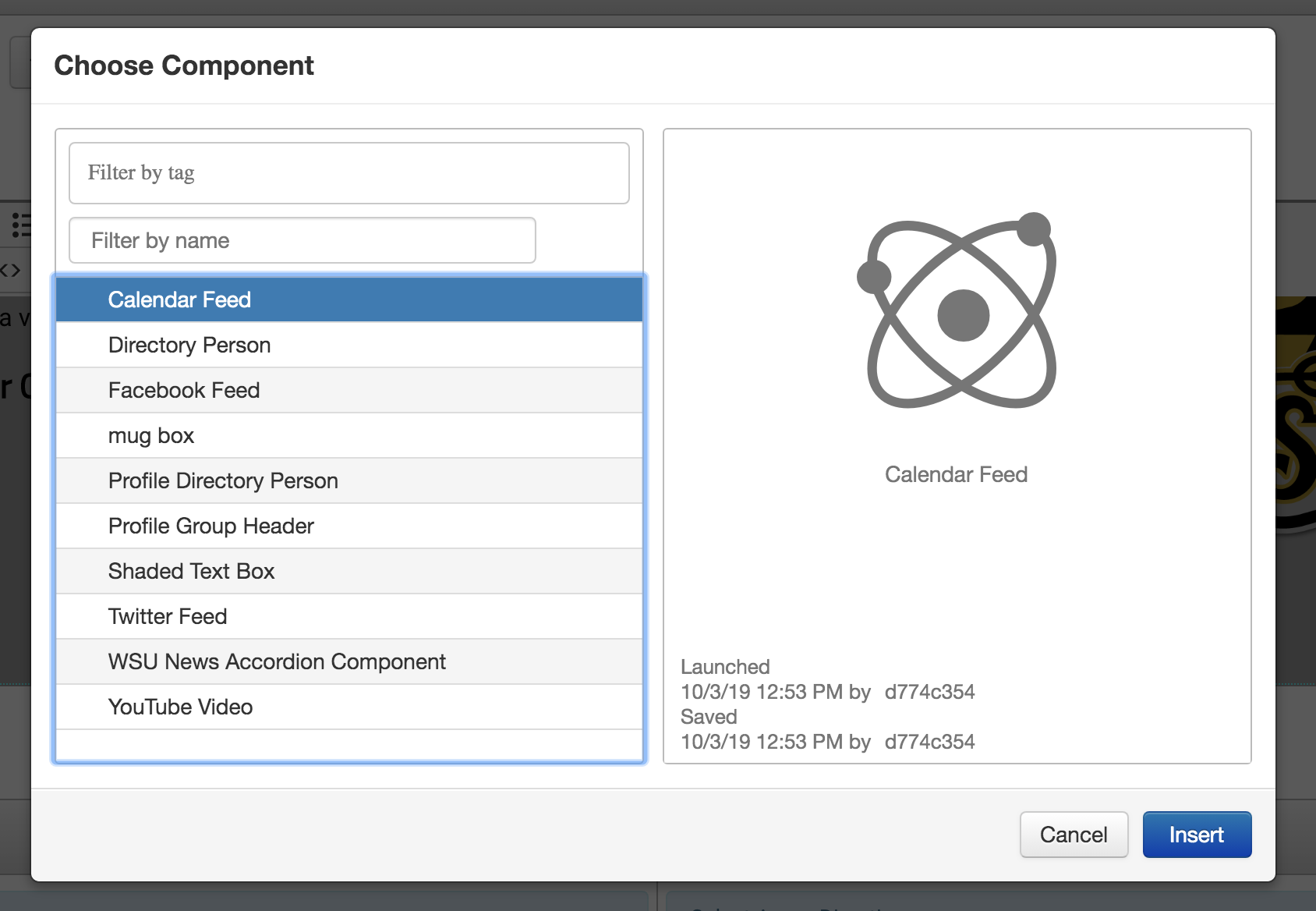
The easiest way to place events on the website is to use a new Component called “Calendar Feed.” Just place your cursor where you want the feed to appear, click on the component icon in the toolbar and then complete the wizard to place the feed.
- Allows you to place a calendar feed in any content area on any template.
- Works great with columns, generics and callouts.
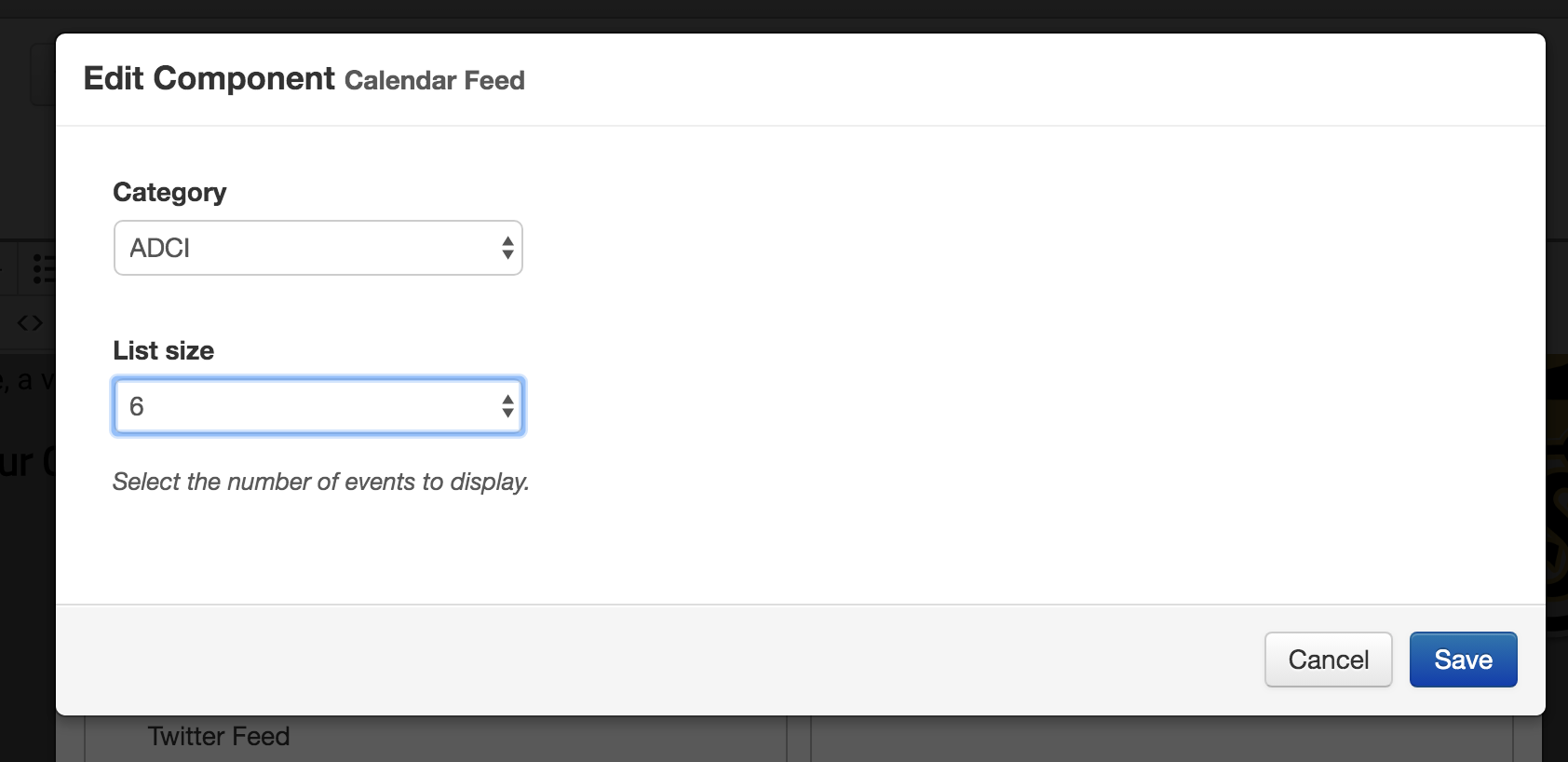
- Allows you to choose how many items to display in the feed.
- Already built into the CMS toolbar and ready to use.
Select calendar component
Select category and list size
Live view.
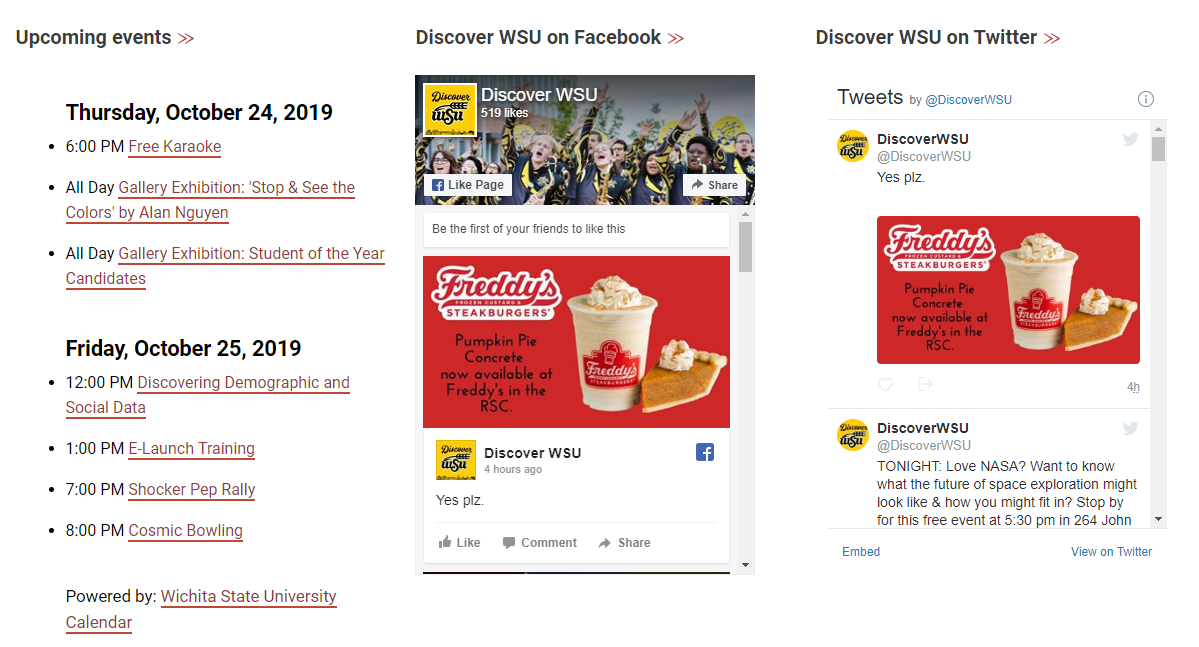
Try styling the calendar component in columns for side-by-side content display.
Resources
For access and training on OU Calendar Private Feeds, contact Tim Hart at tim.hart@wichita.edu or 316-978-6192.